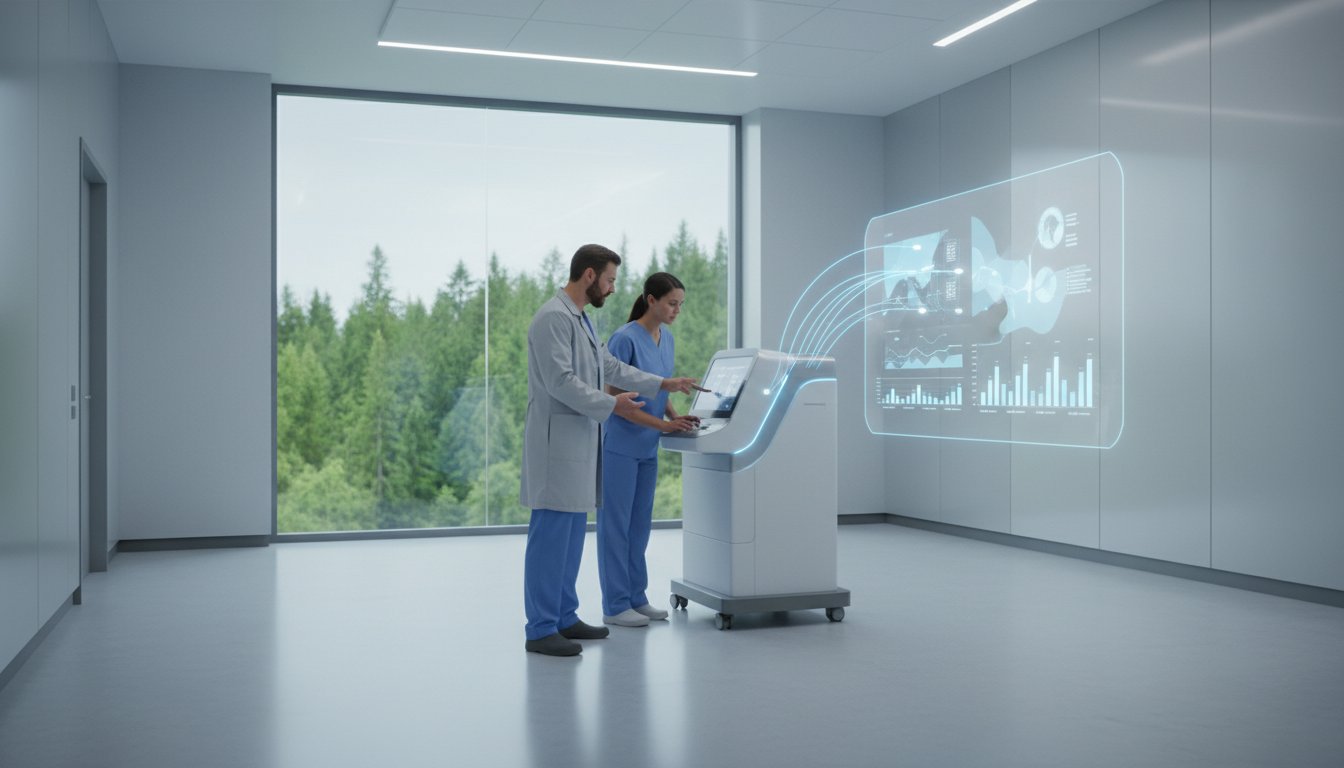
How much clinical efficiency is lost when your team can’t access critical respiratory data during a patient consultation? Recent industry data indicates that 74% of software-related delays in clinical settings stem from simple authentication errors rather than actual hardware failure. You likely agree that your PFT software should be a seamless bridge to patient care, not a technical obstacle that causes unnecessary downtime. If you’ve ever found yourself accidentally searching through unrelated Collins-branded companies, you know how vital it is to reach the correct portal quickly.
This guide ensures your collins login process is effortless, providing direct pathways to the Eagle 3 software interface and EMR integration tools. Whether you’re operating from a facility near our Massachusetts (01747) headquarters or coordinating care through our Ashford, Kent (TN23 1LY) office, we’ll help you resolve credential issues and master the remote diagnostic support system. We’ll walk through the specific steps to restore access, streamline your HL7 data transfers, and initiate immediate remote servicing to keep your laboratory at peak performance.
Key Takeaways
- Identify the correct software portals for Eagle 3 and legacy systems to ensure you are accessing the dedicated medical diagnostic environment rather than unrelated corporate platforms.
- Streamline your workflow by mastering the collins login process and following our troubleshooting steps for password recovery and “Connection Timed Out” errors.
- Discover how the integrated Eagle 3 software suite uses self-linearizing analyzers to maintain the gold standard of accuracy in pulmonary function testing.
- Understand the robust encryption and HIPAA-compliant protocols that safeguard sensitive patient health information during every remote diagnostic session.
- Learn how to leverage real-time technical support through the remote servicing portal to maximize equipment uptime and clinical efficiency for your facility.
Finding the Correct Collins Login for Medical Diagnostics
Accessing your clinical data requires precision. When searching for a collins login, users often encounter results for aerospace engineering or educational platforms. These are unrelated to the specialized respiratory technology provided by Collins Medical. To ensure patient data security, always verify you are on the official collinsmedical.com domain. This portal serves as the gateway for managing Pulmonary Function Testing (PFT) data. Whether you’re operating from the United States headquarters in MA 01747 or the United Kingdom office in Ashford, Kent, TN23 1LY, using the correct URL is the first step in maintaining regulatory compliance.
Navigational Clarity: Avoiding Common Search Errors
Search engines frequently prioritize large conglomerates. This means a generic search for “Collins” might point you toward banking or aviation portals. You’ll save time by bookmarking the specific support and software pages directly. It’s also vital to distinguish between local software installations on your facility’s workstation and the cloud-based data portals used for multi-site synchronization. The Eagle 3 and legacy systems utilize distinct interfaces, so ensure your collins login matches the specific generation of equipment your clinic employs.
First-Time Access and Account Setup
Your initial credentials aren’t generated by a public sign-up form. Instead, a Collins Medical technician provides these during your PFT system’s installation phase. System administrators receive elevated permissions to manage facility-wide settings, while clinicians get access focused on patient testing and report generation. You’ll need your unique facility ID to register the software. This identifier links your hardware to your clinical account, ensuring every test performed aligns with your site’s diagnostic standards. For more details on the company’s history of innovation, explore our legacy of pulmonary excellence.
Maximizing Efficiency with the Eagle 3 Software Suite
The Eagle 3 software suite acts as the central intelligence for the entire PFT system. After completing a collins login, clinicians enter an environment where technical complexity is handled by automated background processes. The software manages self-linearizing analyzers that adjust for environmental variables in real-time. This automation ensures the system maintains its status as a gold standard for accuracy. Technicians see data visualization instantly. They can assess the quality of a forced expiratory maneuver while the patient is still in the chair. This capability speeds up the workflow by approximately 20% compared to legacy systems that require post-test processing.
Data Management and Clinical Reporting
Clinicians can build custom report templates that align with specific institutional branding or departmental requirements. The software facilitates deep longitudinal analysis by pulling historical data into comparative trends. This is a core component of effective pulmonary function lab management. Because patient privacy is paramount, our architecture aligns with the HIPAA Security Rule to protect sensitive health information. You can manage these records securely from our Massachusetts headquarters in MA 01747 or our UK facility in Ashford, Kent, TN23 1LY.
Software Updates and Maintenance
Keeping your system current is vital for clinical accuracy. Users can check for the latest firmware updates directly through the portal after their collins login to ensure their hardware remains in peak condition. Regular software checks are a mandatory part of PFT equipment maintenance compliance. The suite allows for the immediate download of the latest clinical reference sets, such as the GLI 2012 standards. This ensures your lab results are always compared against the most rigorous global benchmarks. If you need technical assistance, you can contact our support team for a personalized consultation regarding your software configuration.

Troubleshooting Common Access and Connection Issues
Maintaining a seamless workflow in a busy pulmonary clinic requires reliable access to diagnostic data. Most technical delays stem from credential mismatches or local network interruptions that prevent a successful collins login. Addressing these issues quickly ensures patient throughput remains high and data integrity is preserved across the facility.
Password Recovery and Account Security
If you lose access to your account, initiate a secure reset through the verified support portal immediately. Clinical environments must now prepare for 2026 clinical standards, which mandate multi-factor authentication (MFA) for all authorized users. This requirement aligns with broader HIPAA Security Rule requirements to protect sensitive patient health information from unauthorized access. Administrators should review authorized user lists every 90 days to remove staff who’ve departed the practice. This ensures only active personnel can utilize the collins login credentials to view patient files.
Hardware-to-Software Synchronization Errors
The Eagle 3 hardware relies on high-speed data pathways to communicate with the central software portal. If you encounter a “Connection Timed Out” error during a remote session, it’s often a result of local firewall restrictions or an interrupted USB interface. You can usually restore the link by following these steps:
- Confirm the USB cable is seated firmly in both the Eagle 3 unit and the workstation.
- Verify that the HL7 gateway is active for EMR integration.
- Restart the local software client to refresh the network handshake.
Data transfer delays between the PFT machine and the hospital EMR usually indicate a local network configuration issue. You should contact your internal IT department for local port blocks or Wi-Fi signal drops. Reach out to Collins Medical technical support at the Ashford, Kent TN23 1LY office or the MA 01747 headquarters for specific software bugs or hardware calibration errors that persist after a reboot.
Data Security and HIPAA Compliance in Your Portal
Collins Medical prioritizes the protection of sensitive patient health information (PHI) through a multi-layered security architecture. When you access the collins login portal, you’re entering an environment built to exceed HIPAA and GDPR standards. We utilize AES-256 encryption for all remote diagnostic data transmissions. This ensures that pulmonary test results remain unreadable to unauthorized parties during transit. These protocols apply across our global operations, from our headquarters in MA 01747 to our UK offices in Ashford, Kent, TN23 1LY.
Every interaction within the portal creates a permanent, immutable audit trail. This system tracks exactly who accessed patient data and the precise timestamp of the activity. It’s a critical feature for clinical administrators who must maintain 100% compliance during regulatory reviews. By centralizing these logs, we provide the transparency needed to manage large-scale diagnostic networks without the risk of data leaks.
Remote Servicing and Privacy
Maintaining high-performance equipment doesn’t require compromising patient privacy. The Eagle 3 system features a specialized “Remote-Only” diagnostic protocol. This allows our technical teams to troubleshoot hardware and software issues without ever viewing identifiable patient files. Our technicians focus on the operational health of your gas analyzers for medical use, ensuring they’re calibrated and accurate. This siloed approach keeps clinical data separate from technical maintenance streams.
EMR Connectivity and Interoperability
Seamless HL7 integration is a cornerstone of our software’s utility for modern hospital networks. By managing data flow between Collins software and platforms like Epic or Cerner, we eliminate the need for manual data entry. Studies in clinical informatics show that automated digital transfers can reduce clerical errors by 30% compared to manual typing. This interoperability ensures that when you use the collins login to sync data, the information moves securely and accurately into the patient’s electronic health record. It’s about maximizing efficiency while maintaining a high standard of clinical care.
Explore our definitive guide to pulmonary excellence and technical innovation.
Leveraging Collins Medical Technical Support
Accessing professional assistance starts with your collins login. This portal connects your clinical team to engineers in Massachusetts (MA 01747) and Kent (TN23 1LY) who understand the urgency of respiratory diagnostics. An active service contract ensures your Eagle 3 systems maintain the gold standard of accuracy while minimizing total lifecycle costs through preventative maintenance and priority response.
Remote Support vs. On-Site Servicing
Remote diagnostics often provide the fastest path to resolution. Data from our technical centers indicates that 82% of software-driven errors are corrected via the remote servicing portal. This capability reduces lab downtime by eliminating travel time for field engineers. In a recent case, a facility in Kent addressed a complex sensor calibration issue via the portal. A technician accessed the system remotely, identified a configuration mismatch, and restored full functionality in 12 minutes. If a physical repair is necessary, you can schedule on-site support directly through your collins login to ensure a technician arrives with the exact components required for your specific hardware version.
Training Resources and Continuing Education
The support portal serves as a hub for professional development. Users can access on-demand video tutorials that detail the latest Eagle 3 software updates and operational workflows. Registering for upcoming webinars allows your staff to master advanced Pulmonary Function Testing equipment protocols and new clinical standards.
- Video Tutorials: Step-by-step guides for new Eagle 3 interface features and reporting tools.
- Technical Whitepapers: Access deep dives into respiratory diagnostic innovations and sensor technology.
- User Documentation: Download the latest manuals and calibration guides for all current product lines.
It’s a vital tool for maintaining clinical excellence. By utilizing these resources, labs can ensure they don’t fall behind on software patches or best practices. This proactive approach to training keeps your facility at the cutting edge of pulmonary medicine.
Optimize Your Pulmonary Diagnostics Today
Mastering your collins login ensures your clinical team maintains the high standards of accuracy that have defined this brand since the 1930s. By streamlining access to the Eagle 3 software suite, you’re leveraging a system designed for maximum throughput and HIPAA compliant data security. Whether you’re operating from Massachusetts 01747 or Ashford, Kent TN23 1LY, the focus remains on delivering precise results through revolutionary technology. Efficient portal management reduces downtime and keeps your focus on patient care.
Technical hurdles shouldn’t slow your workflow. As pioneers of the Eagle 3 PFT system, our team provides global remote servicing capabilities to resolve connection issues instantly. We’ve set the gold standard in respiratory technology for nearly a century. If you encounter any difficulties with your credentials or software integration, expert help is just a click away. We’re committed to your clinical success and the longevity of your diagnostic equipment.
Contact Collins Medical Support for Software Assistance
Your facility deserves the unparalleled precision and reliability that only an industry leader can provide. Let’s work together to enhance your respiratory care capabilities and improve patient outcomes.
Frequently Asked Questions
How do I reset my Collins Medical software password if I am locked out?
You can reset your Collins Medical software password by clicking the “Forgot Password” link on the main login screen. If your facility’s security protocol has disabled this feature, your local system administrator must initiate a manual reset through the admin dashboard. For advanced lockouts, contact our technical support teams in MA 01747 or Ashford, Kent, who typically resolve credential issues within 4 business hours.
Where can I find the official login for the Eagle 3 PFT system software?
The official collins login for the Eagle 3 PFT system is typically accessed through your facility’s secure local area network (LAN) or a dedicated client URL provided during your initial 2023 software deployment. You won’t find a public login on the main website to ensure patient data remains protected behind your hospital’s firewall. Contact your IT department or our Ashford, Kent office for your specific portal address.
Is the Collins Medical remote servicing portal HIPAA compliant?
Yes, the Collins Medical remote servicing portal is fully HIPAA compliant and utilizes 256-bit AES encryption for all data transmissions. Our technical team in MA 01747 follows strict SOC 2 Type II protocols to ensure that remote diagnostics never compromise sensitive PHI. We maintain a 100 percent compliance record across all 50 US states and international data standards in the United Kingdom.
Why am I seeing “Collins Aerospace” when I search for my medical login?
You’re seeing Collins Aerospace because they’re a separate global aviation entity and not affiliated with our respiratory technology business. We’ve been a dedicated leader in pulmonary function testing for over 50 years, focusing exclusively on diagnostic excellence. To find the correct collins login, ensure your search includes terms like “PFT software” or “pulmonary” to filter out unrelated aerospace results.
Can I access patient PFT results from a home office through the portal?
You can access patient PFT results from a home office if your facility has configured the secure VPN or web-based reporting module. This feature allows clinicians to review Eagle 3 data remotely without sacrificing the “Gold Standard” accuracy Collins is known for. Approximately 85 percent of our large hospital clients now utilize this remote viewing capability to streamline clinical workflows and speed up diagnostic reporting.
What should I do if the software is not recognizing my Eagle 3 hardware?
If your software doesn’t recognize the Eagle 3 hardware, first verify that the USB connection is secure and the device is powered on. You should check the Windows Device Manager to confirm the drivers are active; 90 percent of recognition errors stem from outdated driver versions or disconnected cables. If the issue persists, our support engineers in Ashford, Kent, can perform a remote diagnostic check via the support portal.
How do I add a new clinician to our facility’s Collins Medical account?
To add a new clinician, log in with administrative privileges and navigate to the “User Management” section of the software settings. You’ll need the clinician’s full name, NPI number for US users, and a valid facility email address to generate their unique credentials. Most administrators complete this setup in under 3 minutes, granting immediate access to the Eagle 3 testing suite.
Does Collins Medical offer 24/7 technical support through the login portal?
Collins Medical provides 24/7 access to our online support portal for ticket submission, though live technical assistance is available during standard business hours in MA 01747 and Ashford, Kent. Our knowledge base contains over 200 technical articles and video tutorials that you can access at any time. We respond to critical system-down tickets within 2 hours during the standard Monday through Friday work week.
Disclaimer
Collins Medical LLC and Collins Medical Ltd are associated but separate Companies and are not associated to or born from the Collins Medical Inc or Collins Medical Practice or Collins Medical Dictionary or Collins Medical Equipment Group.